

With Microsoft Office365 everything is a “service”, and recently a new service has been introduced, which is called Microsoft Flow (flow.microsoft.com). This service allows you to build personal or organizational workflows on top of almost any data available ranging from Microsoft SharePoint to your Facebook account etc. Basically, you can setup specific actions that should take place when certain things happen. Very smart!
In relation to Office 365 and Project Online, this new offering could be seen as a more user friendly way to create simple flows to make your work life easier. It is not to be mistaken for a real Project Online workflow, as this is what you would normally use to govern your phases, stages and gates. This you would still be able to do using SharePoint Designer, Nintex or Visual Studio.
Microsoft Flow is the place where you can ensure that people are alerted when things happen, or that items on a SharePoint list a synchronized automatically etc. etc. It is what you want that matters in this case and not so much specific organizational processes and governance.
As Microsoft Flow is currently in preview, it is not advisable to use in your production environment. However, you should definitely try it out in test PWA tenant if you can.
Here is a simple mini guide to get you started.
-
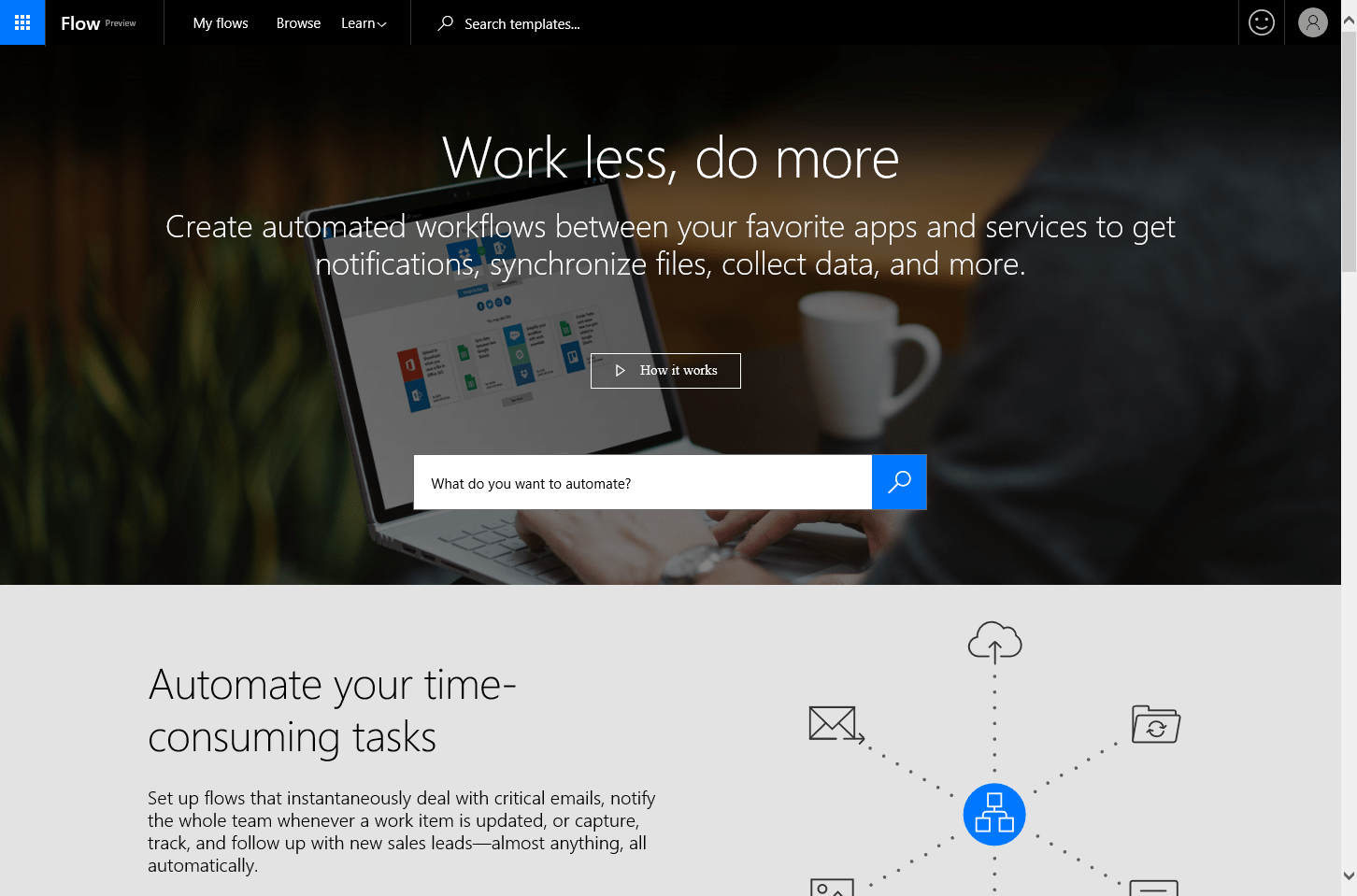
Navigate to flow.microsoft.com
-
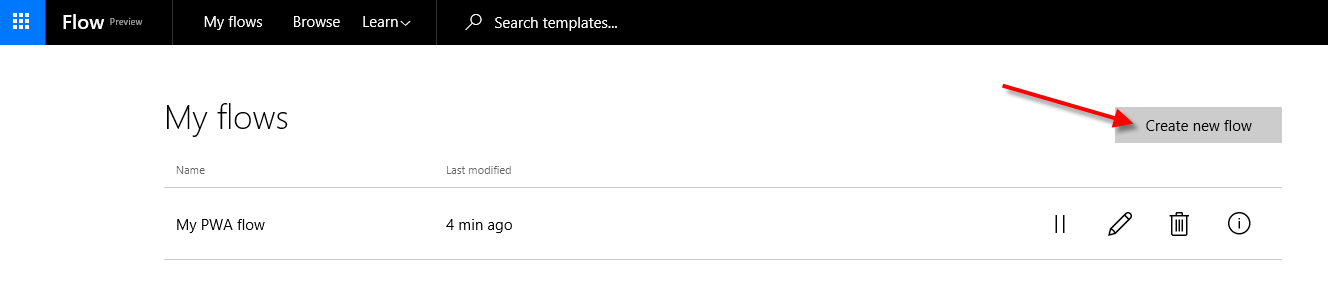
Click on “My flows” and select “Create new flow”

-
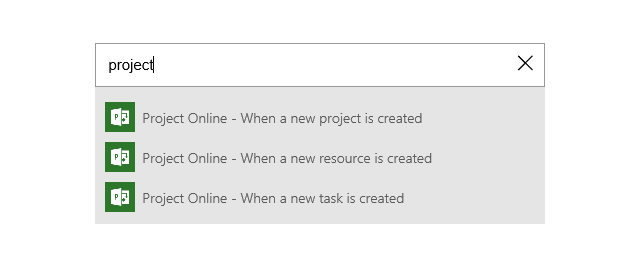
Browse the “flow” window and search for “Project” – notice that three events are currently available

-
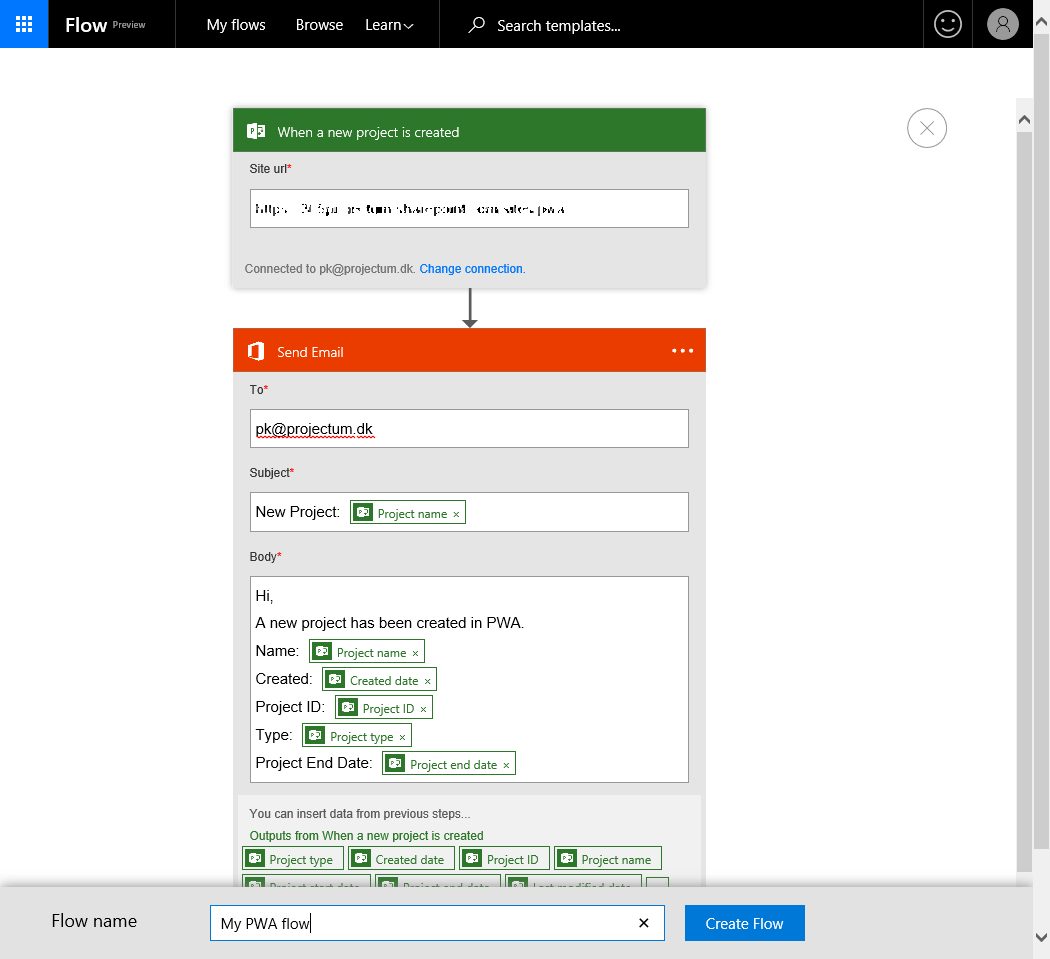
Add you https path to your Project Online tenant and validate your account. Next choose to add an “action” such as “send email”
-
You can add multiple key project information directly in to body of the email template you want pushed to specific users

-
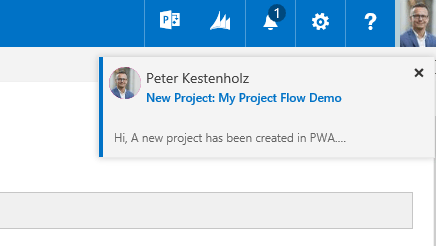
After you have created the flow you are done. A quick test will instantly tell us that we have now made a flow sending out an email to specific people upon the creation of new projects. This was done in less than 2 minutes – amazing!

With Microsoft Flow you can do a lot. Going forward I will check in on the latest update but try to be specific to what matters for Project Online users. On the other hand, Microsoft Flow does a so much more that I would advise any reader to quickly go to flow.microsoft.com and take a look around:-)