

Some of you may have noticed that Performance Point is not around in the Business Intelligence area of Project Server 2013. How to actually find and launch this amazing BI tool is quite different compared to Project Server 2010, as it is now an app (actually two apps) that is not enabled out-of-the-box.
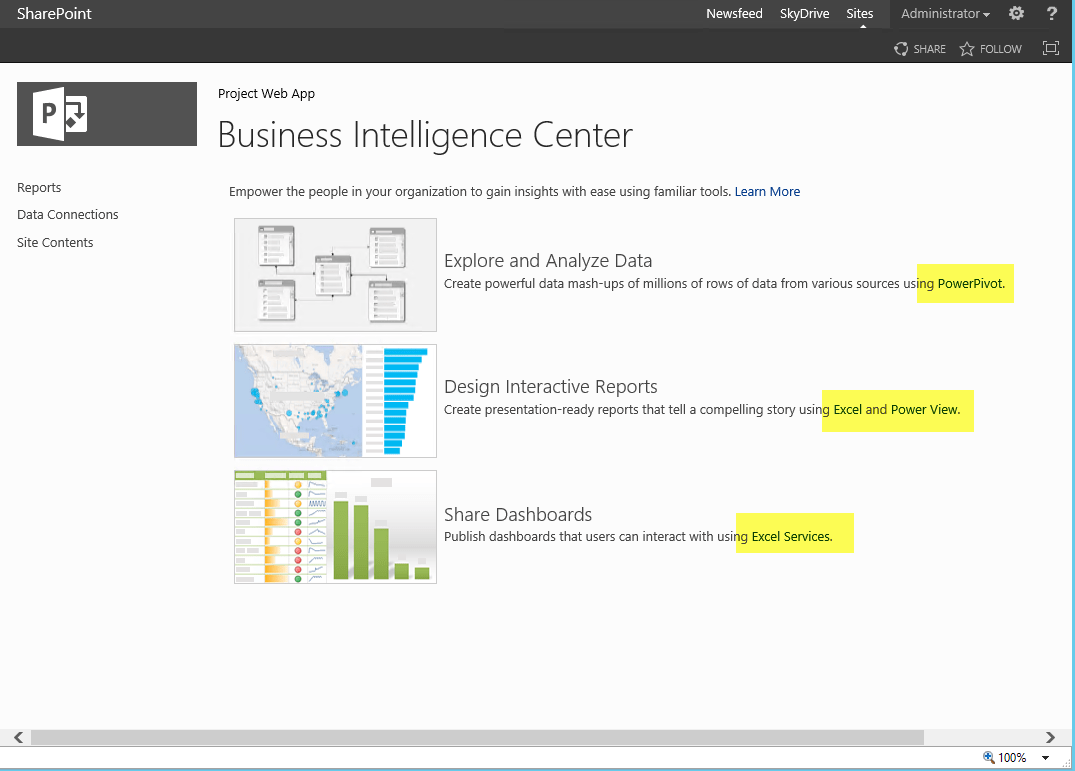
Here are the simple steps to activate and launch the Performance Point designer application:
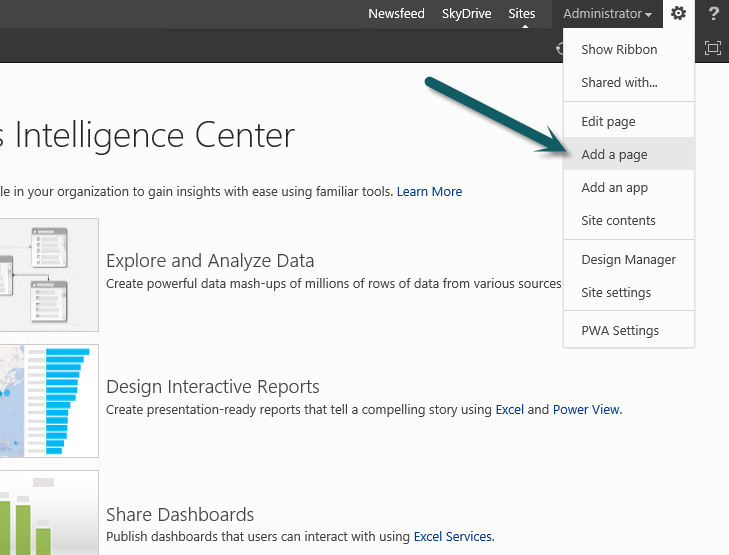
1. Go to add an app (the screen dump is a little wrong – sorry):-)
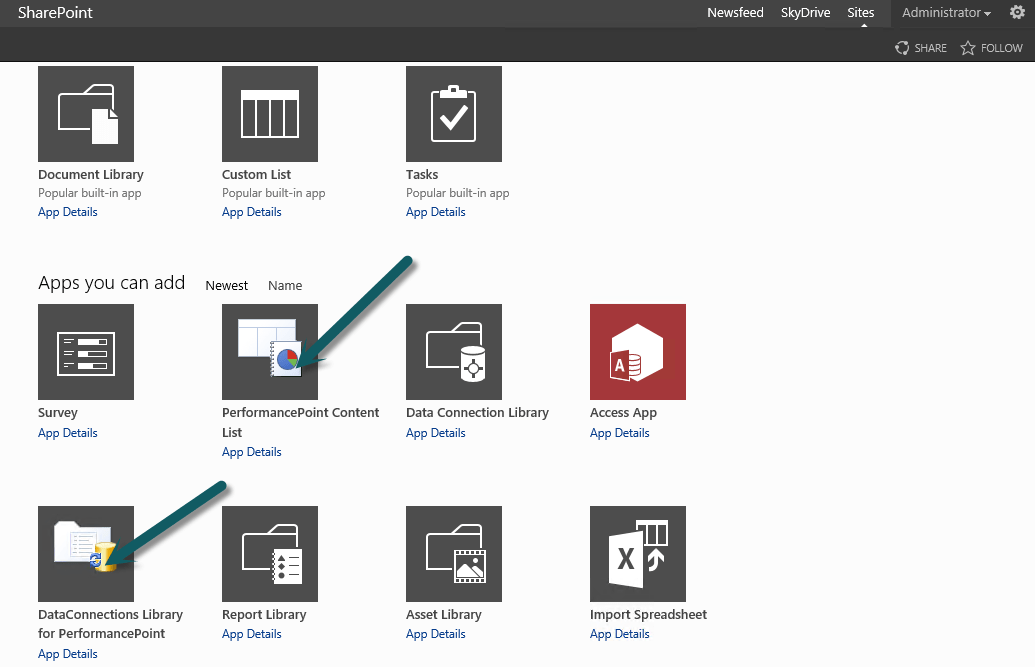
2. Select and add the two Performance Point apps
3. Find the new apps in the content area of your PWA
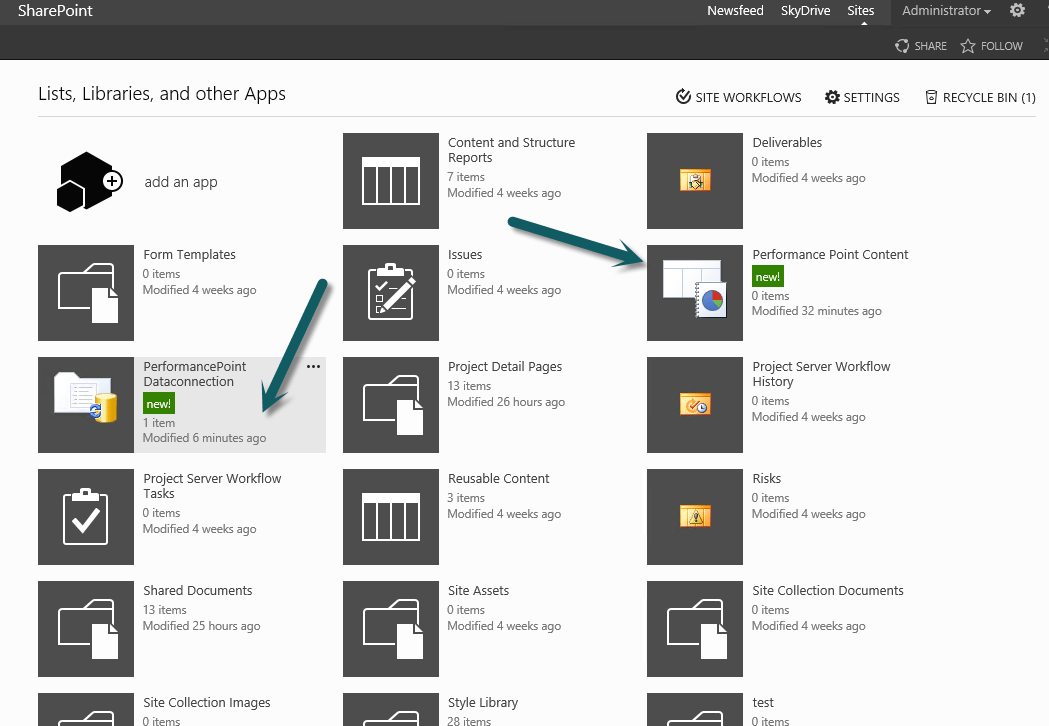
4. Open on of the apps and notice the PerformancePoint menu in the ribbon
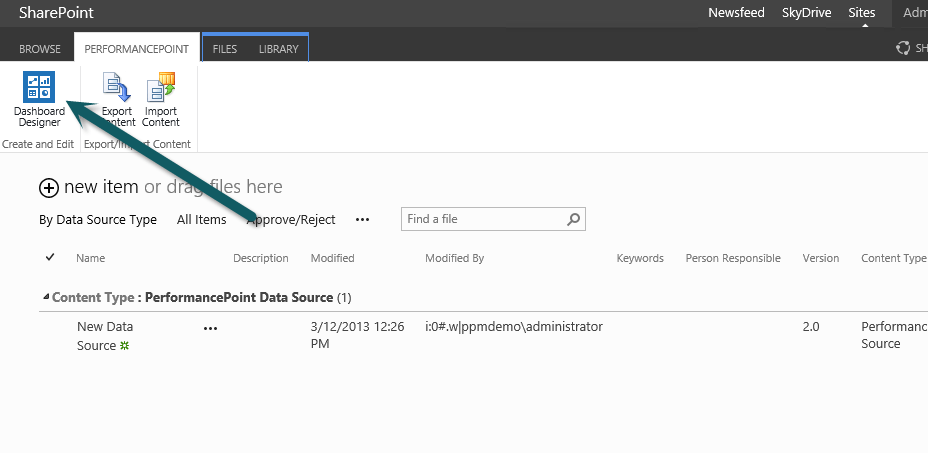
Create your reports as you would in Project Server 2010 – have fun!